Pros
- Excellent for multitasking and productivity: Commonly praised for its ability to replace two standard monitors, making it ideal for working with multiple applications or windows simultaneously. Users highlight improved workflow and organization. This is frequently mentioned by those working in fields like data analysis, programming, and office work.
- High-quality image and resolution: Reviewers consistently mention the excellent image quality, vibrant colors, and sharp resolution (Ultra WQHD, 3440 x 1440 pixels). The display''s clarity is frequently highlighted as a key advantage, even for non-experts. Colors are described as adequately strong without being oversaturated. Contrast is also very good.
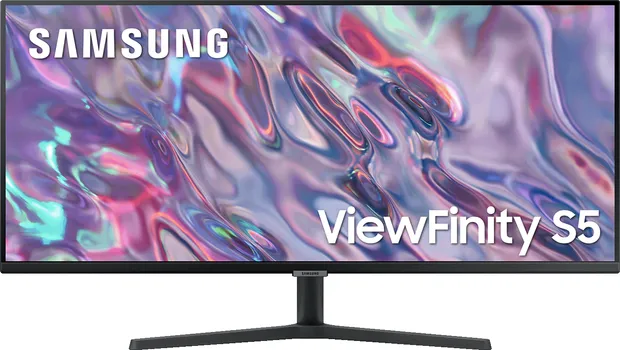
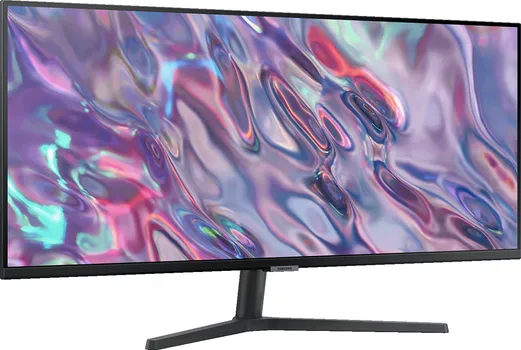
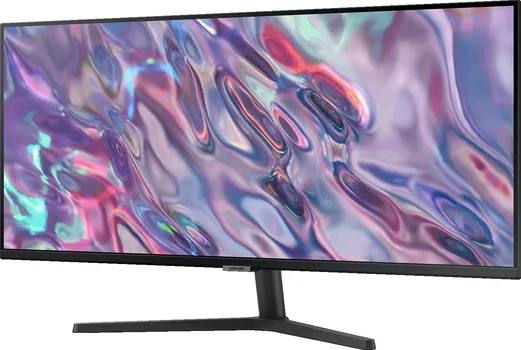
- Large screen size (34 inches): The spacious 21:9 ultrawide aspect ratio is repeatedly cited as a major benefit for both productivity (allowing three windows side-by-side) and entertainment (movie watching without black bars).
- Picture-in-Picture (PiP) and Picture-by-Picture (PbP): Some users specifically mention and appreciate the PiP and PbP functionality.
- Good value for money: Many reviewers emphasize the monitor''s excellent price-to-performance ratio, especially when purchased on sale.
- Matte display: One review positively mentions the matte finish, reducing glare compared to glossy screens. Another review mentions the anti-glare features.
- Eye protection: At least one review mentions the presence of an eye protection feature.
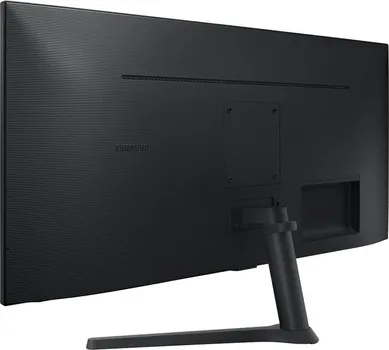
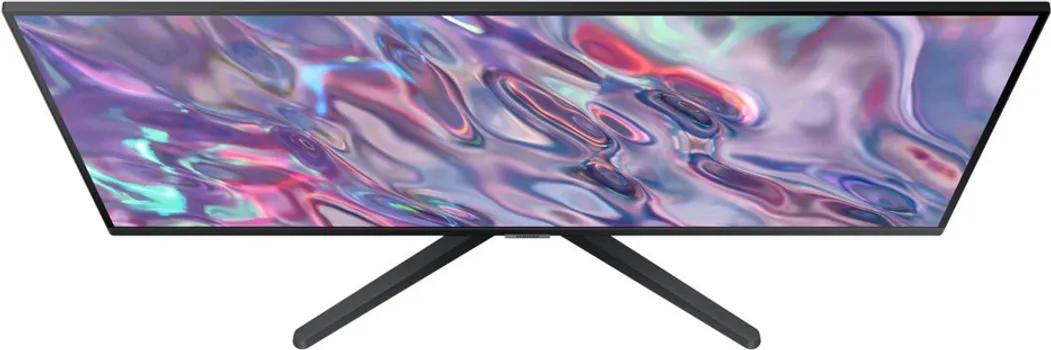
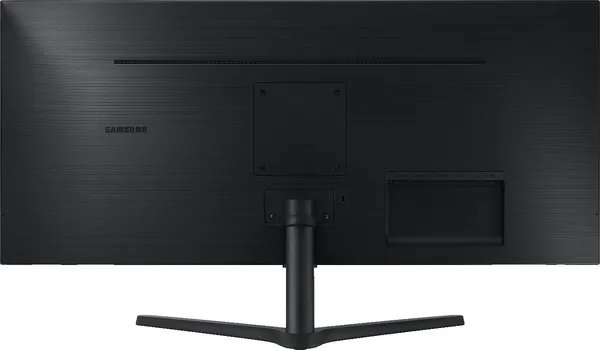
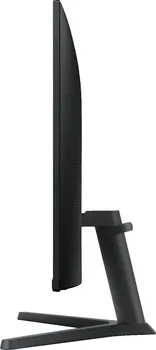
- High-quality build: The stand is described as horizontally rotatable and vertically tiltable, easy to assemble, and the display itself is thin with thin bezels and a clean back, creating a high-quality impression.
Cons
- Lack of height and swivel adjustment: The stand lacks adjustability in height and swivel, a point noted by at least one reviewer.
- No USB-C port: One user expresses a wish for a USB-C connection.
- No integrated speakers: The absence of built-in speakers is mentioned as a drawback. Sound is described as problematic by one reviewer.
- No standby mode: One reviewer notes the absence of a standby mode, requiring manual power cycling.
- Yellowish default color setting: One reviewer mentions a slightly yellowish default color setting that required manual adjustment. This seems to be a general issue with some Samsung displays.
- Lack of DDC/CI support: One reviewer reports the absence of DDC/CI support, creating issues with font size adjustment on macOS. This makes the monitor unusable for this particular user.
- Reliability issues: At least one user reports a dead LED line appearing after two weeks of use, suggesting potential reliability issues. Another reports a similar issue with dead pixels.
- VA Panel Issues: One review reports noticeable ghosting effects and stuttering/juddering during scrolling, even at 100Hz refresh rate, with FreeSync enabled, and tested on multiple high-end graphics cards. This user suggests that the monitor is unsuitable for text processing or frequent web surfing and recommends testing a VA panel in person before purchasing.
Comments
Several users mention using this monitor with a MacBook Pro or other laptops, often employing it as an extended display. The large screen size often requires an adjustment period, but users generally adapt quickly and appreciate the advantages. Some users compare it favorably to using two separate 27-inch monitors. The monitor is frequently described as suitable for both professional and personal use, including gaming, photo editing, and video streaming. One reviewer notes that Samsung DeX doesn''t work at 21:9 resolution.